Every tool Dhan gives you.
All 143 features
Search, group and read what each feature actually does, for trading and for long-term investing. These are Dhan's own features on Dhan's own account. We are the route in, not a middle layer.
Grouped as Speed & Execution, Order Types, Research & Screening, Risk & Control, SIP & Systematic Investing, Portfolio Tracking, Gold, ETFs & Commodities, Transfers & Account Admin, DEXT T3 Terminal, Developer & API, Account & Compliance, Charts & Market Replay. 143 in total.
143 features
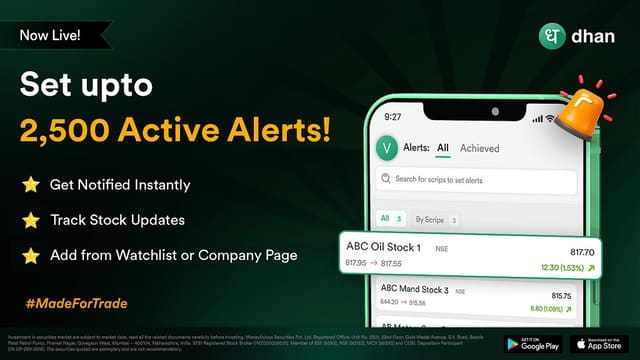
Market Alerts
Up to 2,500 active alerts, delivered instantly.
Set price, technical or delivery alerts across thousands of scrips. Alerts fire the moment your criteria is met so you never have to babysit the screen.
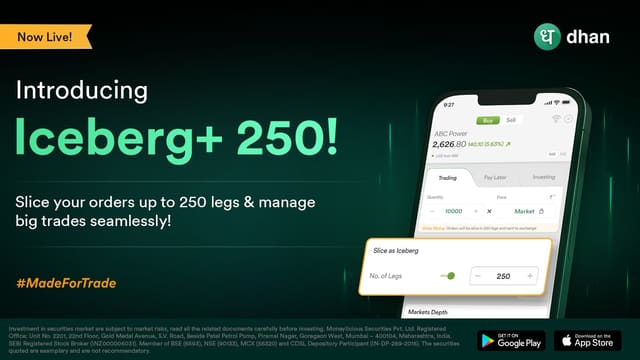
Iceberg Plus
Large orders sliced and executed to lower market impact.
Instead of sending one large order that reveals your intent, Iceberg Plus breaks it into slices. You get better average prices and reduce the price impact on your own fill.

Dhan Ticker
Real-time stock tracking on a dedicated desktop window.
A lightweight, always-on-top ticker that keeps your watchlist visible while you work in other applications. Built for traders who need eyes on the market without a full terminal open.
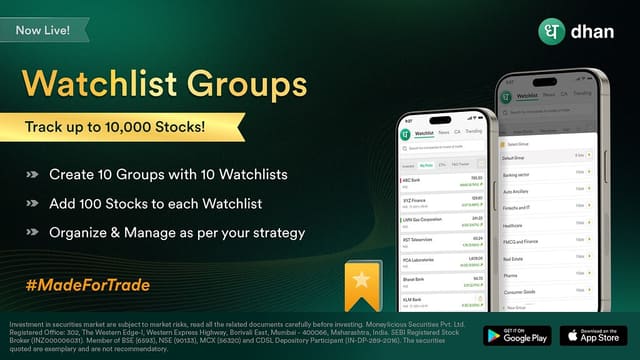
Watchlist Groups
Organise and track up to 10,000 stocks and scrips.
Group stocks by strategy, sector or theme and move between them instantly. Ten thousand scrips of watchlist capacity means your research never has to be thrown away.
Market Order
Fill immediately at the best price available.
Price is decided by the market, not by you. Fastest of the four and the simplest, at the cost of no control over the fill price, which is why it is usually paired with a stop-loss.
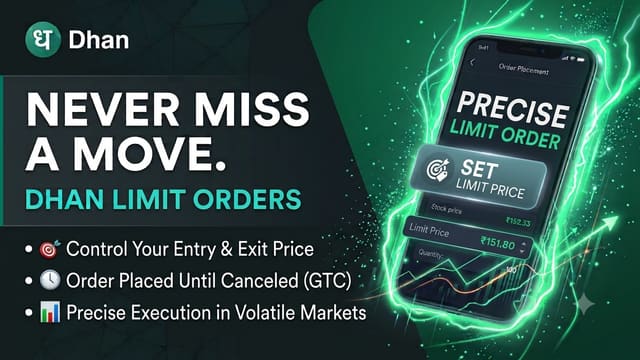
Limit Order
Fill at your price or better, and wait in the book.
You choose the price and the order rests until the market reaches it. Gives you control over the fill price, at the risk of never filling if the market never gets there.
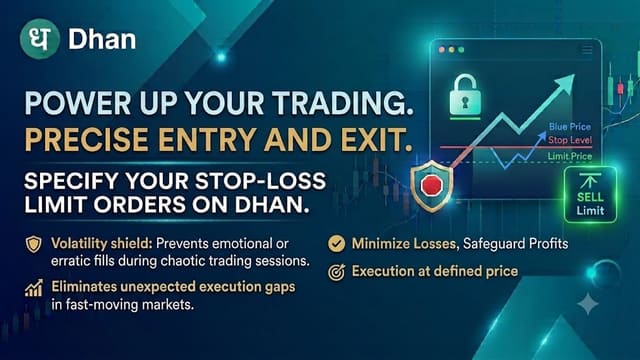
Stop Loss Limit (SL-L)
Trigger price reached, then place a limit order.
Sits dormant until your trigger price is hit, then places a limit order at your limit price. You keep control of the exit price, but in a fast gap the limit may never fill.
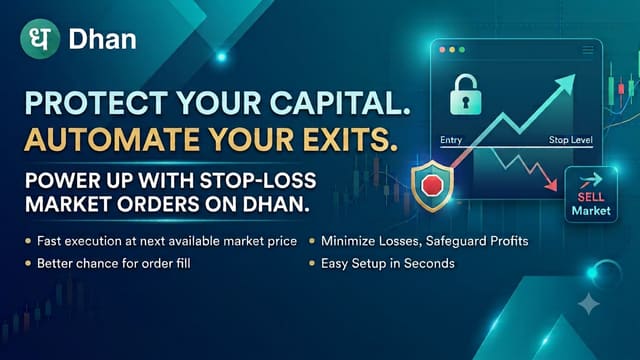
Stop Loss Market (SL-M)
Trigger price reached, then execute at market.
Sits dormant until your trigger price is hit, then executes immediately at market. Guarantees the exit happens, but the fill price is whatever the market gives, which can be well past your trigger.
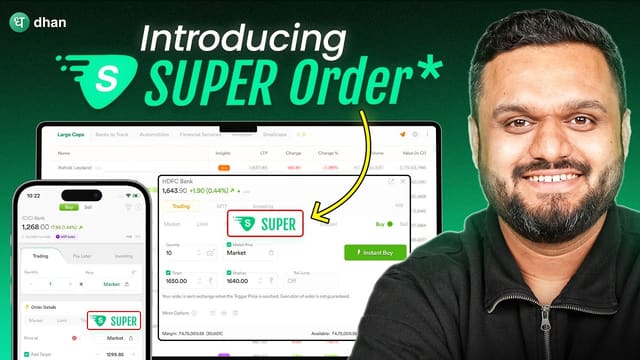
Super Order
Entry, target and stop-loss in a single order.
Set the entry condition, target and stop-loss together and let the platform manage the bracket. Once the entry fills, the exit leg is placed automatically with the correct ratio.
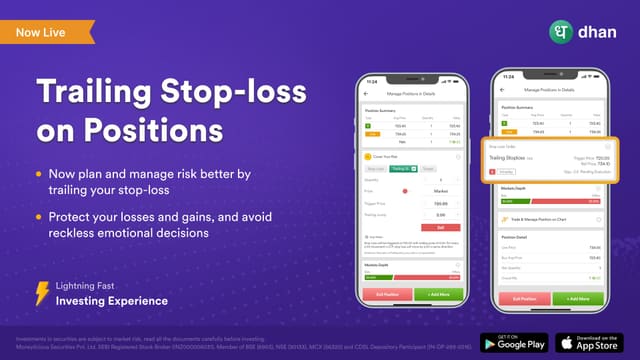
Trailing Stop Loss
A stop-loss that ratchets up as the price moves your way.
Set a trailing jump and the stop-loss follows the last traded price in your direction, so a winning position protects more of the gain the longer it runs. Works as either SL-L or SL-M, and is placed from Manage Positions.
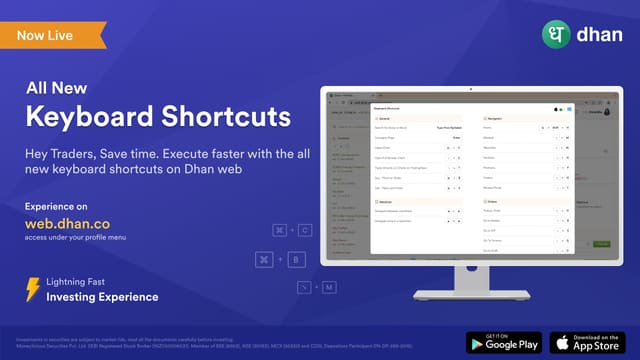
Web Power Trade Mode
Rapid order entry and position management on the web.
A stripped-down, keyboard-first mode on Dhan Web designed for high order velocity. Place, modify and square off positions without navigating away from the order screen.
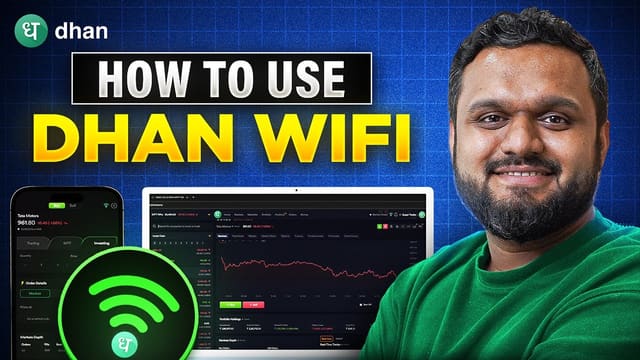
Dhan WiFi
See orders on Web, place them from App.
Dhan App and Dhan Web stay in sync over Dhan WiFi. Start a position on your phone at the desk and close it from the web terminal, or the reverse, without re-authenticating.
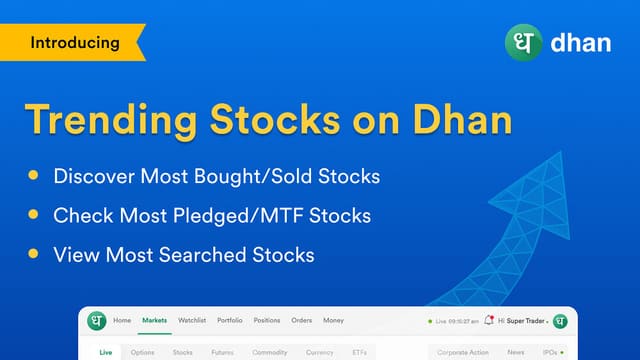
Trending on Dhan
Most bought, sold, pledged and MTF-plagged scrips.
See what the rest of the Dhan community is trading, in real time. Useful as a sentiment map: where the crowd is active is often where the liquidity is.
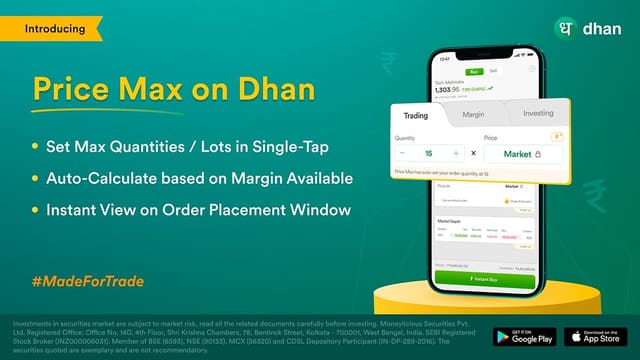
Price Max
Auto-fill maximum quantity from available margin.
Enter a price and Price Max computes the maximum quantity or number of lots your available margin supports, removing the guesswork from position sizing.
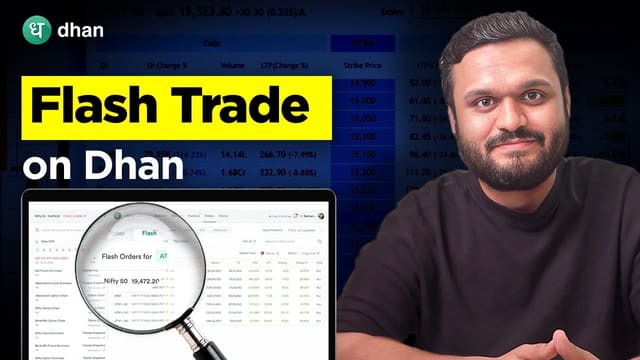
Flash Trade
Buy an options position in a single tap.
Pre-built option structures with strikes and expiry pre-selected. One tap places the full multi-leg position, which removes a lot of clicking during fast-moving option markets.
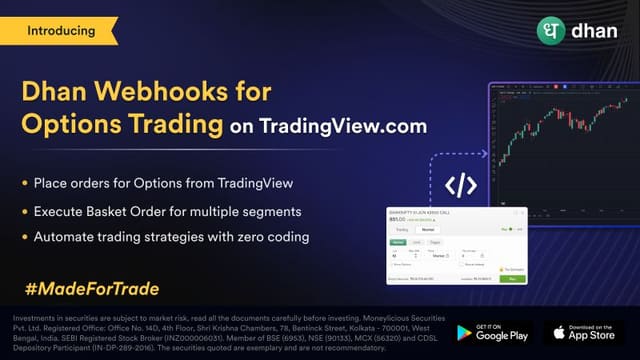
Webhooks as an Order Type
Fire an order from TradingView or your own endpoint.
Dhan registers webhooks as an order type, so a TradingView alert or your own script can place an order directly. It is what makes rules engines and automated rebalancing possible on Dhan at all. Orders still route through the normal risk and margin checks.
Forever Order with OCO
A target and stop-loss that stays active until hit.
Unlike a day order, a Forever Order does not expire at market close. Your one-cancels-other target and stop-loss pair stays live until the criteria is met.

Draft Orders
Save an order and execute it whenever, after market too.
Build an order without submitting it, then send it later. Because drafts survive outside market hours, you can prepare a plan the night before.
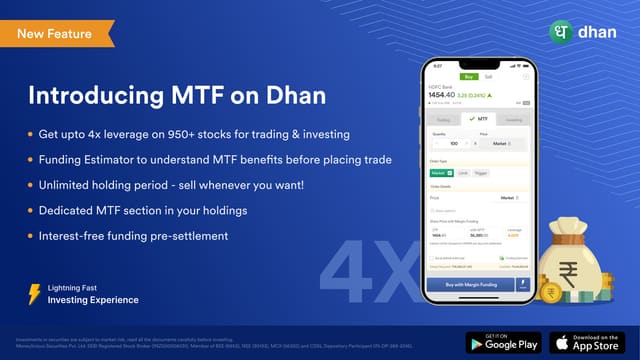
Margin Trading Facility
Up to 4X leverage across 1,700+ stocks.
Buy or hold with leverage and pay interest only on what you actually use. Unlimited holding period, with interest starting at 12.49% p.a. and rising with slab.
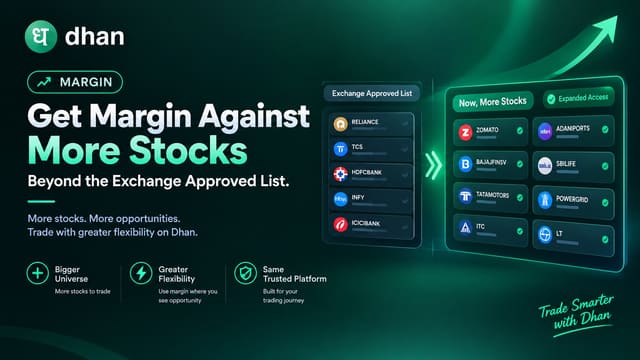
Margin Against More Stocks
Stocks outside the exchange list now count as collateral.
Stocks that are not on the exchange's approved securities list but meet Dhan's internal criteria can now be pledged for margin, freeing up a trading limit without selling holdings you want to keep. Because the exchange will not take these as collateral, Dhan puts up its own funds at the exchange on your behalf, so interest (15.99% p.a.) applies only to the limit you actually use. Each stock carries its own haircut and exposure limit, and the cohort is reviewed against the monthly exchange list.
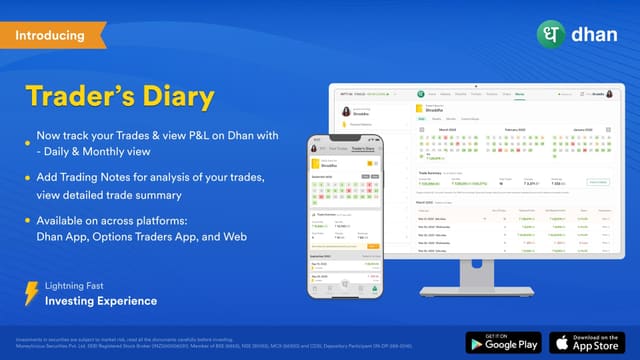
Trader's Diary
Evaluate what went right or wrong on every trade.
Log a note against each trade while the reasoning is fresh, then review the diary later. It is the most underrated way to stop repeating the same expensive mistake.
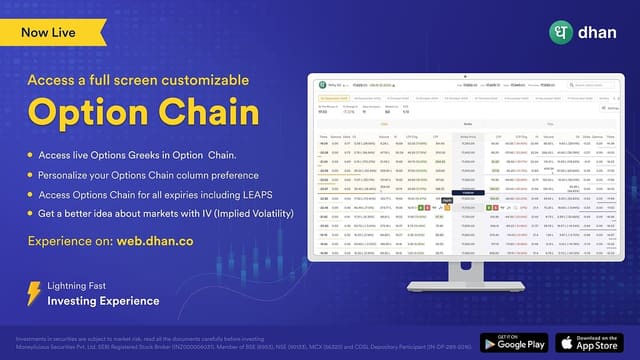
Advanced Option Chain
Analyse Greeks and trade directly from the chain.
Full option chain with live Greeks, OI and IV. Because the chain is also an order surface, you can go from reading a strike to trading it without changing screens.
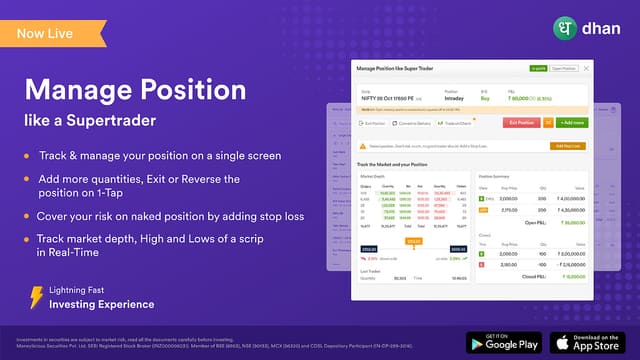
Manage Positions
One-tap exit, reverse or add to a position.
A dedicated position view with the three actions you actually need mid-trade: square off, reverse, or increase exposure. Removes the multi-step navigation of a generic order ticket.
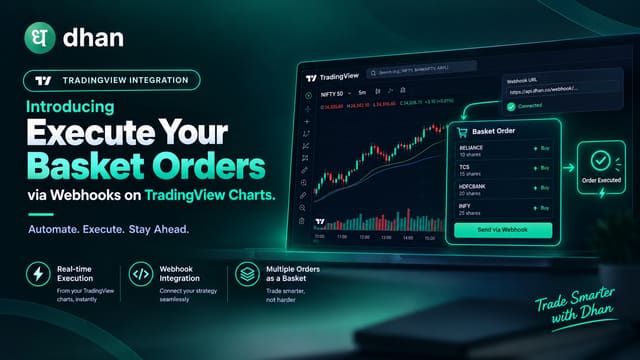
Basket Orders via Webhook
Fire a whole strategy from an external trigger.
Combine basket orders with webhooks so an external signal, script or alert can place a multi-scrip strategy in one call.
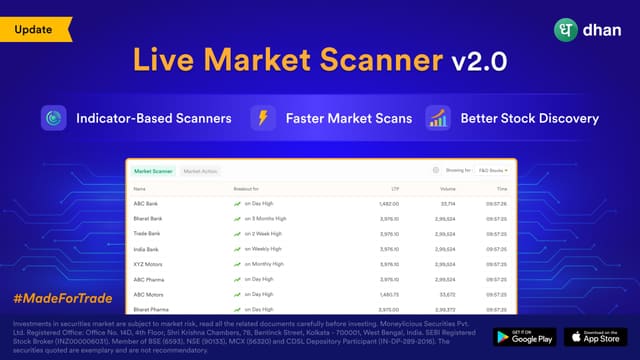
Live Market Scanner
Watch scrips that gain, lose or move the most.
A live scanner across price, percentage change and volume. Useful at the open and close when you want the extremes of the day rather than your own watchlist.

Reverse Positions
Flip a position from long to short in one tap.
Change your mind and reverse an existing position instantly rather than placing two separate orders. Cleaner fills, fewer legging risks.
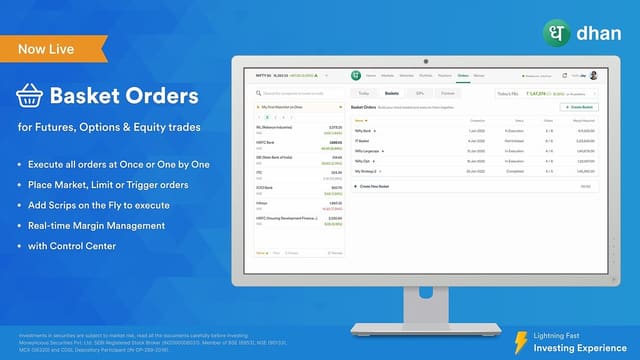
Basket Orders
Group scrips or strategies and execute in one go.
Bundle multiple scrips or strategies into a basket, review the combined margin impact, then execute the whole thing together.
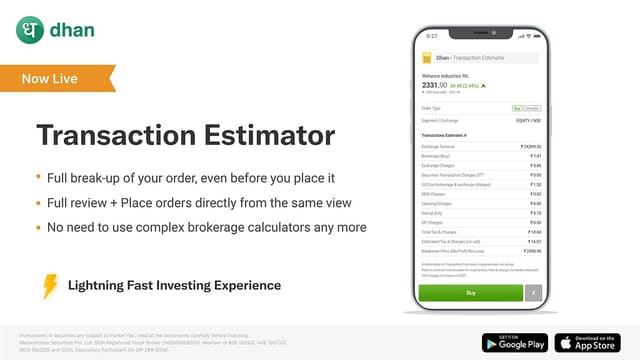
Transaction Estimator
See every charge upfront before you commit.
Brokerage, STT, GST, stamp duty and exchange charges are itemised before the order goes out. No surprise deductions in the contract note.
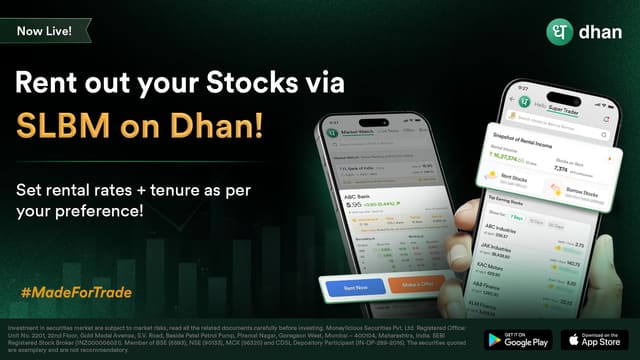
Stock Lending & Borrowing (SLBM)
Rent out the shares you already hold and earn up to 35% p.a.
Lend holdings you were not planning to sell. You keep ownership and the dividends, the borrower pays you interest, and you can place a recall to get the stock back before expiry. 0% brokerage on renting, 500+ stocks eligible.

Gold Vault
Buy and sell 24K gold at live MCX-linked prices.
Gold Vault lets you buy, sell and hold digital gold in small quantities, with the option to convert to physical delivery where applicable. Backed by secure storage and priced off live market rates.

Group Delivery on Gold Vault
Deliver multiple holdings together in one request.
When you hold coins or bars of the same denomination in the same vault, Group Delivery bundles them into a single physical delivery instead of one receipt per item. The update also surfaces the vault name for each holding, but that is a transparency view rather than a transaction and so is not split out as its own card.
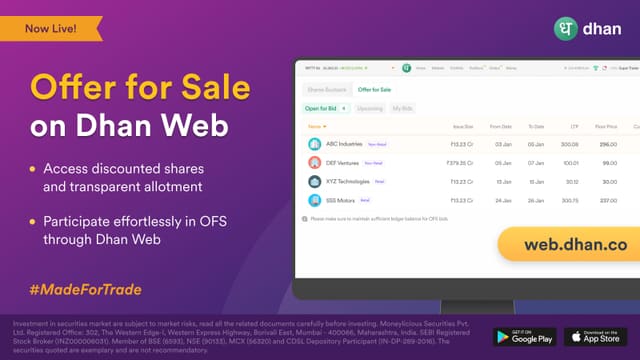
Offer for Sale (OFS)
Apply to OFS issues from Dhan Web.
Promoters and institutions use OFS to sell existing holdings. Apply directly from Dhan Web instead of finding a separate broker window.
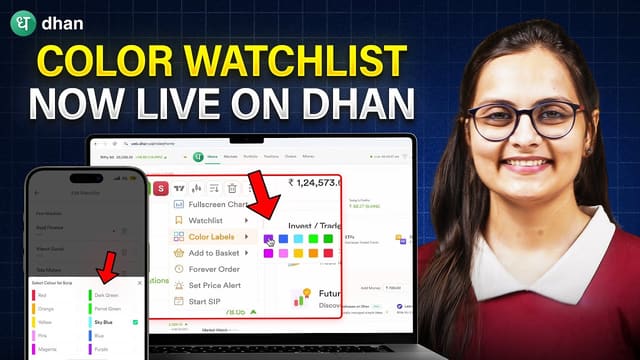
Color Tagging in Watchlist
Sort and group your watchlist with colour tags.
A small quality-of-life feature with a large effect: colour tags let you scan a large watchlist and find your actual setups in a fraction of a second.
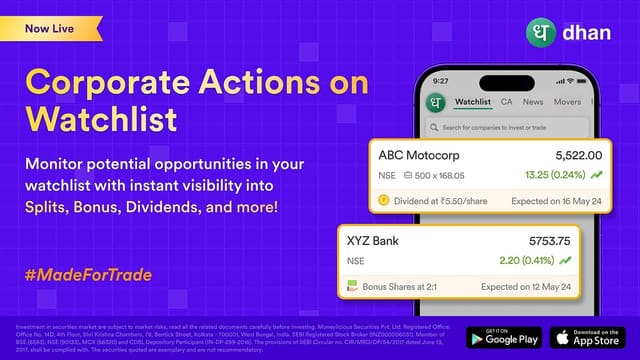
Watchlist with Corporate Actions
Dividends, splits and bonuses tracked on watchlist stocks.
Corporate actions for the stocks you are watching, not just the ones you hold. Catch a bonus issue or a split before it hits your portfolio.
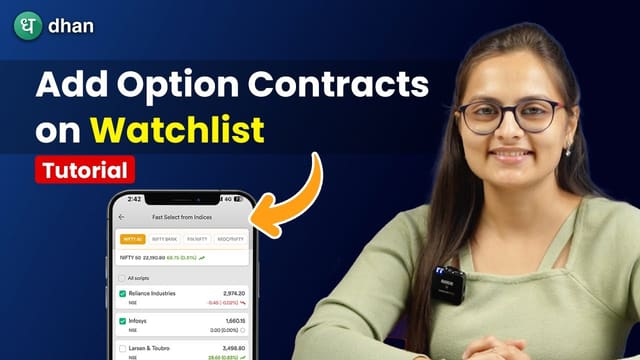
Fast Watchlist
Build watchlists straight from the option chain and indices.
Create a watchlist from any option chain or index constituent list in a couple of clicks, instead of searching for each scrip individually.
All Fundamentals & Financials
Detailed analysis and P&L of your invested holdings.
Full financial statements alongside your holdings so you can judge whether the business behind a stock still matches the thesis you bought it on.
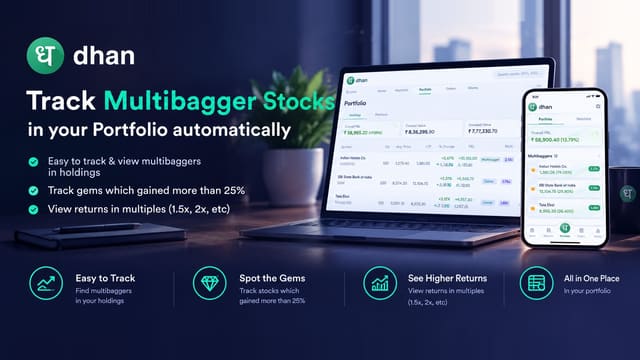
Track Multibaggers
Track multibagger holdings in a separate view.
Your highest-returning positions broken out from the rest, so a few outsized winners do not get lost inside a large mixed portfolio.
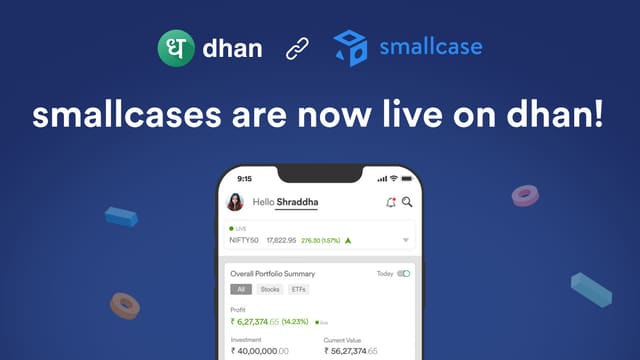
smallcases
Themed portfolios and smallcase ideas, free to invest.
Curated baskets of stocks around a theme, plus regularly published smallcase ideas, investable directly from your Dhan holdings.
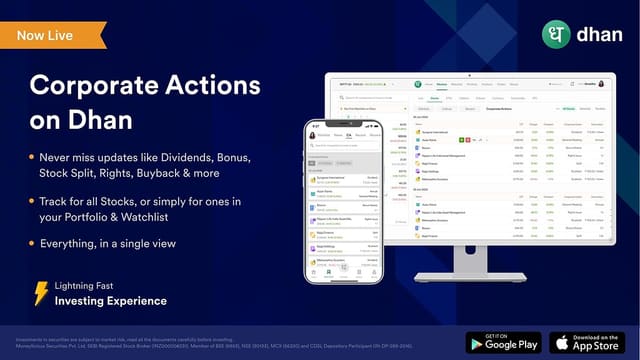
Corporate Action
Splits, bonuses, buybacks and dividend updates.
A single feed of corporate actions across your holdings and watchlist, so nothing pending is missed before it affects your position.
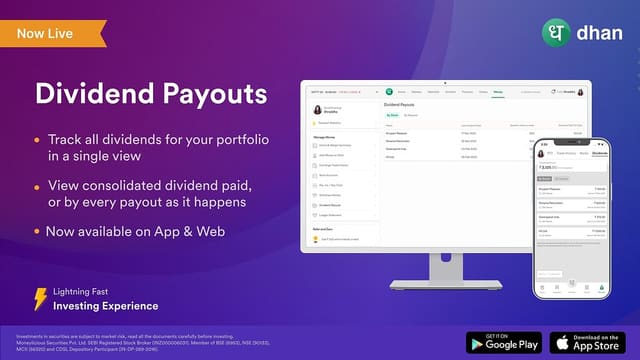
Dividend Tracking
Track dividends in a dedicated dashboard.
Expected and received dividends shown separately from your price P&L. For income-oriented investors this is often the number that actually matters.
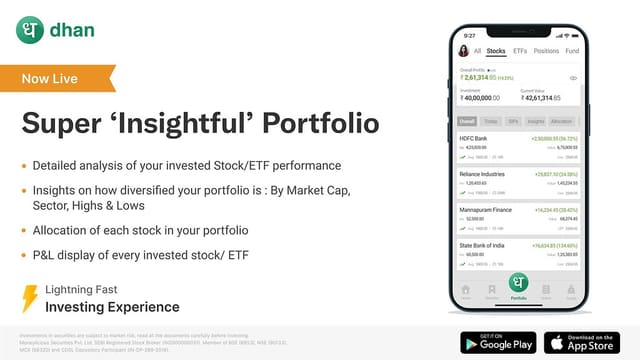
Smart Portfolio Insights
Detailed analysis and P&L on stocks and ETFs.
Sector exposure, position sizing and realised versus unrealised P&L broken out properly, rather than a single blended number.
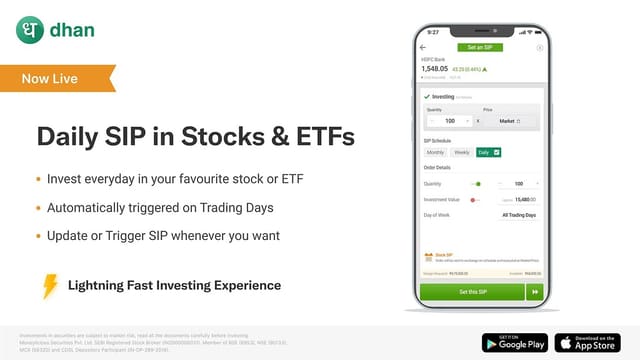
Stock & ETF SIP
Daily, weekly or monthly systematic investing.
Systematic investing into individual stocks and ETFs on a schedule you choose. Averaging in on a fixed cadence removes the timing decision entirely.
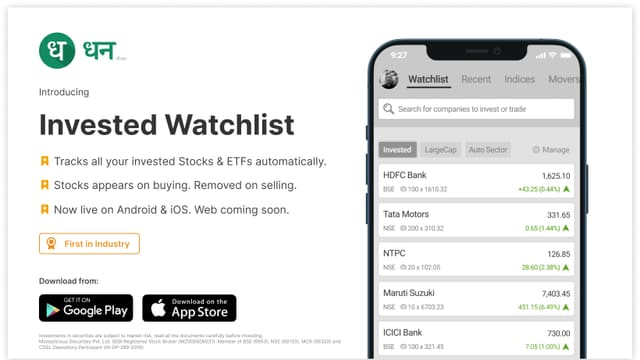
Invested Watchlist
All your holdings and ETFs in a dedicated watchlist.
A watchlist that is always exactly your portfolio. Removes the manual step of re-adding your holdings every time you log in.
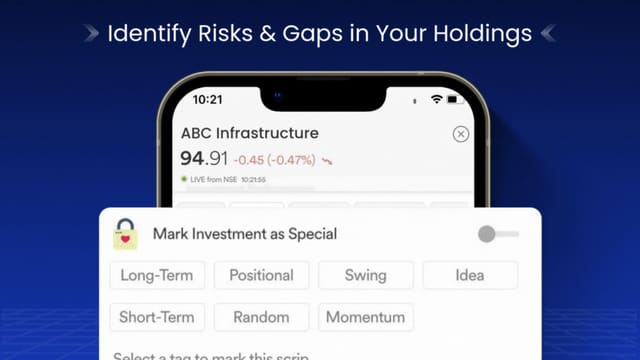
Investment Labels
Manage holdings better with colourful labels.
Tag positions by thesis, sector or conviction, then review the portfolio grouped by tag. Makes it obvious when one idea quietly dominates your risk.
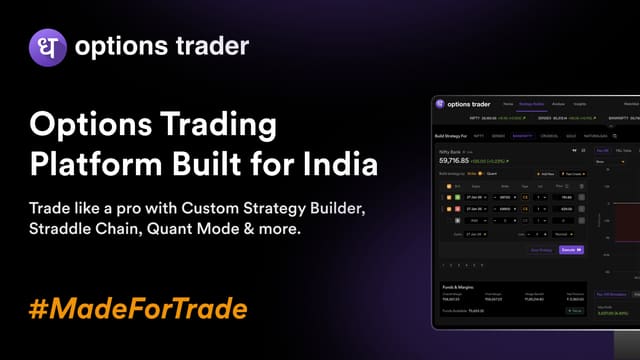
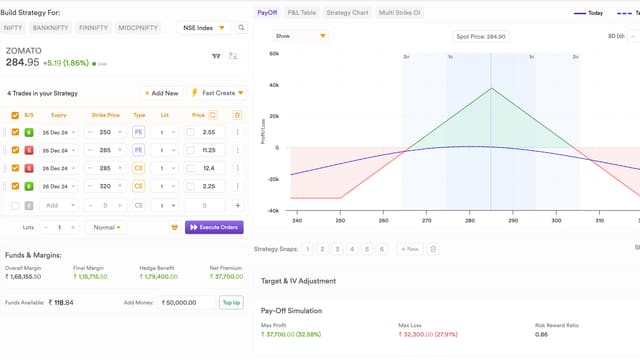
Options Strategy Builder
Build and analyse custom multi-leg option strategies.
Construct a custom spread or straddle, see the payoff before you trade it, then execute the full structure in one action. Also available on DEXT T3, where it adds a P&L breakdown across the legs.
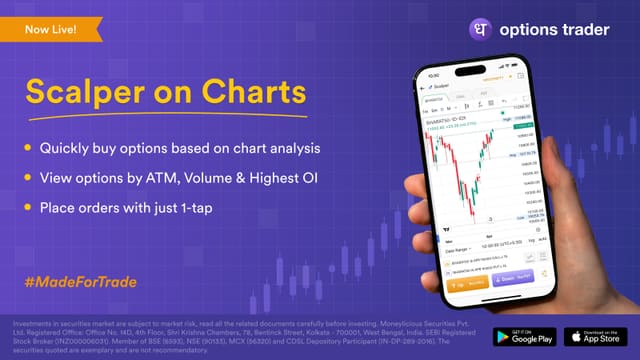
Scalper on Charts
One-tap buying and selling directly from the chart.
Place orders straight off the chart with predefined buy and sell controls. Removes the switch between chart and order ticket for short-horizon trades.
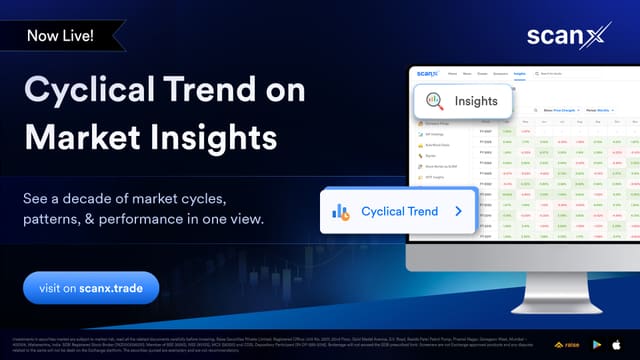
Cyclical Trend
See where each sector sits in its market cycle.
ScanX plots the index against historical cycles so you can see whether a sector is early, mid or late before the price chart makes it obvious. Aimed at anyone who knows markets turn but struggles to time the turn.
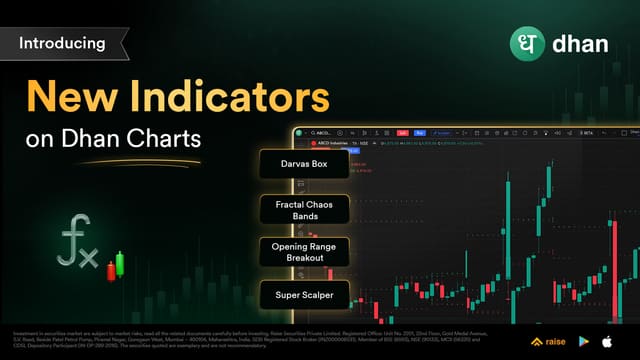
Breakout & Intraday Indicators
Chart indicators for breakouts and intraday structure.
Dhan added breakout and intraday indicator sets to its charts, for traders who identify opportunities from price action rather than from fundamentals. They sit alongside the existing indicator library rather than replacing it.
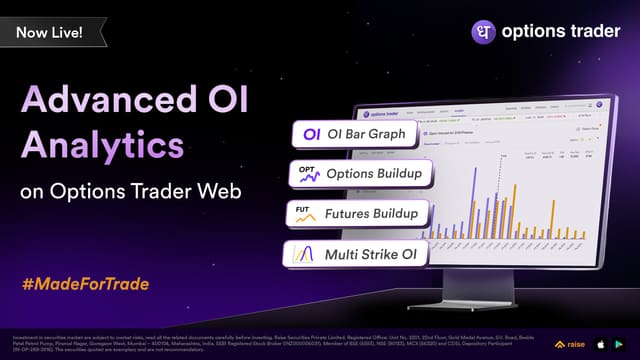
Advanced OI Analytics
Open Interest analytics beyond the headline number.
Deeper open-interest analysis on Options Trader Web, for traders who treat OI as a positioning signal rather than a single figure. OI profiles later extended the same idea onto TradingView charts.
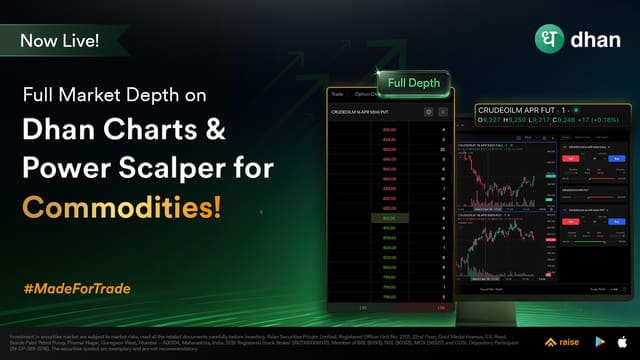
Full Market Depth (Commodity)
Twenty-level depth on commodity contracts.
Commodity traders previously got far less depth than equity traders. This brings the same twenty-level book Dhan offers elsewhere to commodity contracts, which matters most in thin, gappy commodity markets.

Full Market Depth
Twenty-level data on cash, futures and options.
Ten levels of depth was often not enough to judge how real a move was. Full market depth gives twenty levels across the cash, futures and options segments, so you can see where the resting interest actually sits.
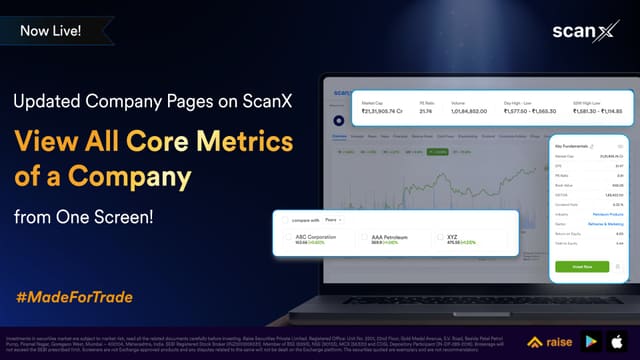
Company Pages on ScanX
Full company profiles in one place on ScanX.
Consolidated company pages pulling filings, financials and market data together, so researching a company does not mean opening four tabs. Dhan rebuilt these over time as ScanX matured.
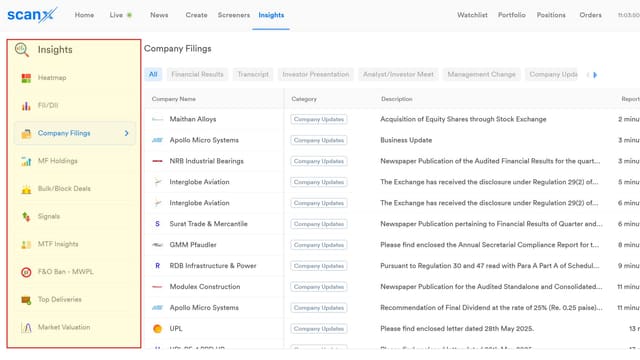
Real-Time Filings & Announcements
Company filings as they are published.
Filings and corporate announcements surfaced on ScanX in real time, which is where a lot of the actual price movement originates. Being first to read it is the whole game on an event day.

Grouped News
Related news grouped, not a flat firehose.
Market events rarely happen alone, so news is grouped by story. Instead of one headline scrolling past, you see a corporate announcement, the policy change and the earnings report that belong to the same event.

Live Market News
A rebuilt live news feed.
The market news experience on Dhan was rebuilt to be continuous rather than paginated, so headlines arrive as they happen instead of when you refresh.
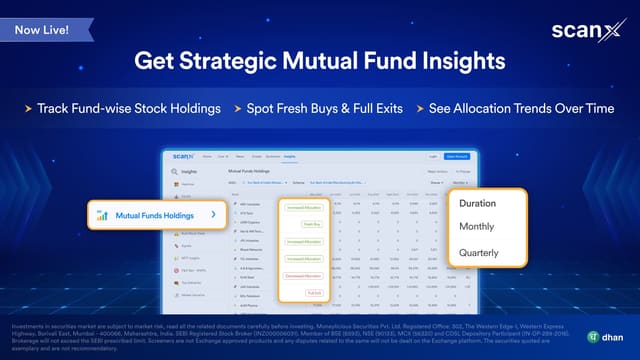
Mutual Fund Holdings & Insights
See what is inside the mutual funds you hold.
Holdings and insights for mutual funds on ScanX, so you can see what a fund actually owns instead of only its published category. The gap between a fund's label and its portfolio is where surprises come from.
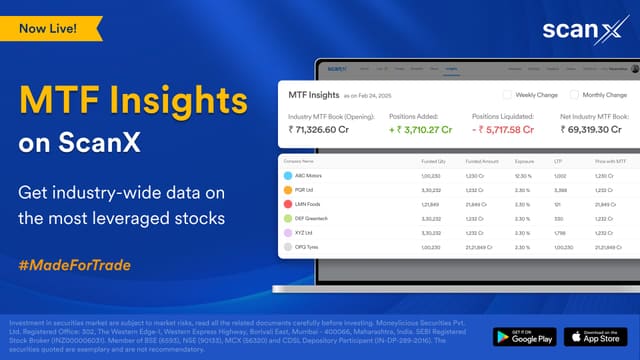
MTF Insights on ScanX
Margin eligibility across Indian stocks.
ScanX surfaces which stocks are MTF-eligible, so you are not discovering the constraint only when an order is rejected.
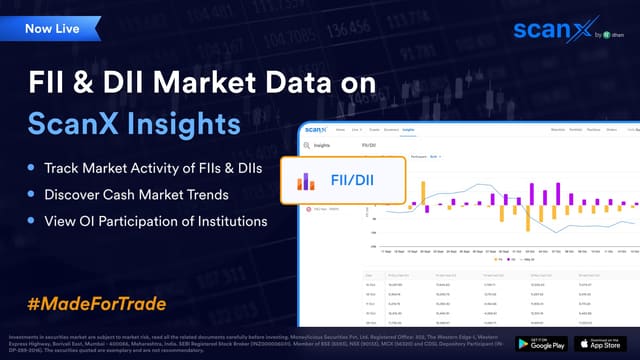
FII & DII Market Data
Institutional flow data on ScanX.
Foreign and domestic institutional positions, which are among the few genuinely exogenous inputs into daily index moves. Reading the trend matters more than any single day.
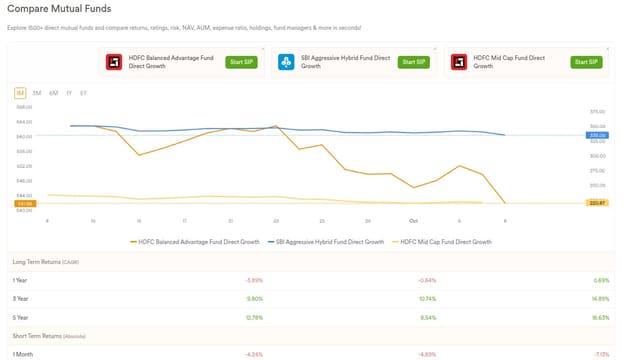
Mutual Fund Comparison
Compare funds side by side.
Finding the right fund usually means juggling multiple screens because no single view has everything. This puts the comparison in one place.
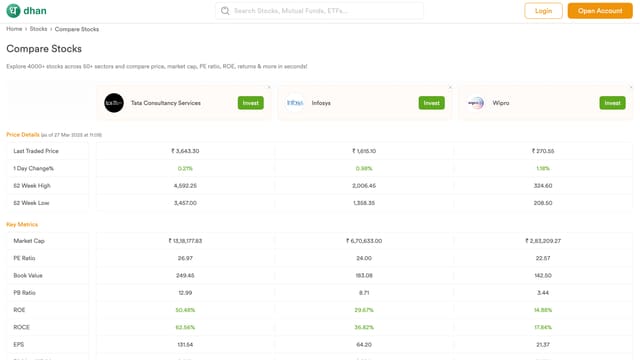
Stock Comparison
Compare stocks side by side.
With 2,500+ stocks on NSE and 5,500+ on BSE, comparing them is the actual hard part. This does the comparison in one view instead of across tabs.

Value Research MF Ratings
A second rating house alongside Morningstar.
Star ratings from past returns tell you little about risk. Value Research ratings are scored differently, so seeing both is a useful cross-check rather than a single number to trust.
Brand Search
Find companies by the brands they own.
Search for a brand or product rather than a company name, which is how most people actually think about a business. Useful for finding a company when you know its product, not its ticker.
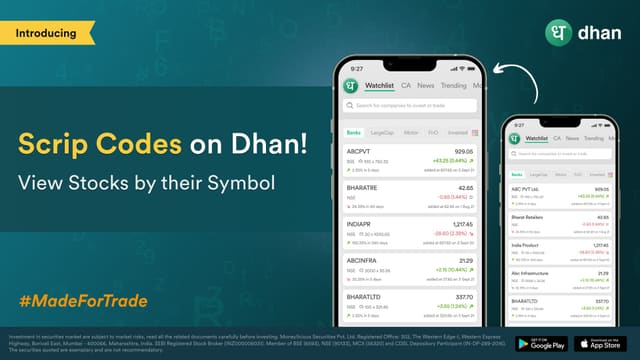
Scrip Codes
Choose which identifier to see for a scrip.
Dhan added ISIN and NSE/BSE codes alongside the usual ticker, because different data sources and brokers key on different ones and mismatches cause real errors.

Pre-Market Insights
Read the market before it opens.
Pre-open data and analytics so you arrive at the open already informed rather than reacting to the first candle.
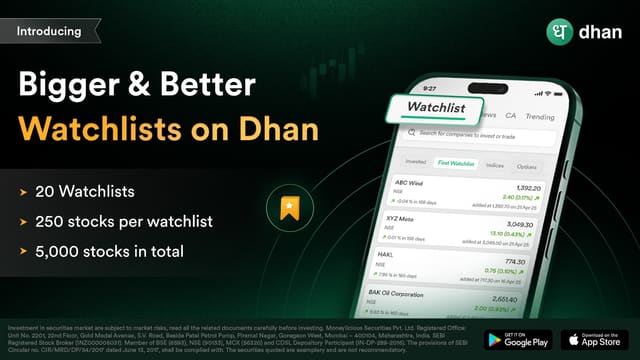
250 Stocks x 20 Watchlists
Bigger watchlists, built for bigger screens.
Watchlists expanded to hold 250 stocks across 20 lists. Most traders were quietly deleting ideas to make room, which is how they lost track of them.

FnO Stocks Watchlist
A watchlist of only F&O stocks.
A dedicated watchlist filtered to the F&O segment, so you are not scrolling past 2,000 non-derivative names to reach the forty you actually trade.
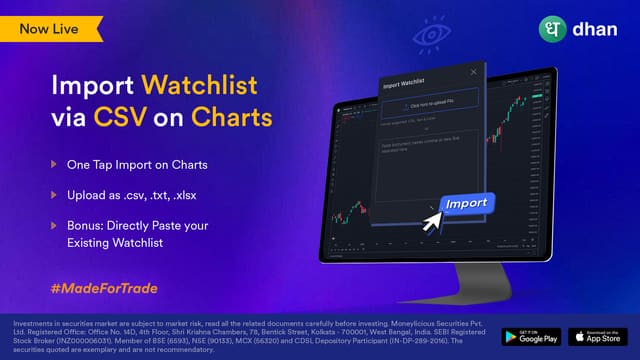
Watchlist CSV Import
Load watchlists from a spreadsheet.
Import a watchlist from CSV straight into the charts, instead of adding hundreds of symbols by hand one session at a time.
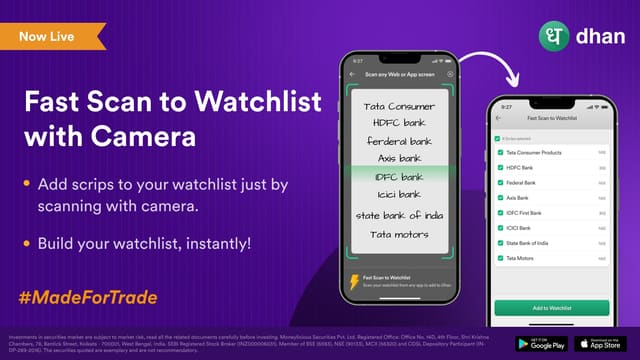
Camera to Watchlist
Scan a QR code into your watchlist.
Photograph a code or screen and the scrip lands in your watchlist. Built for tracking from outside the desk, where typing is the bottleneck.
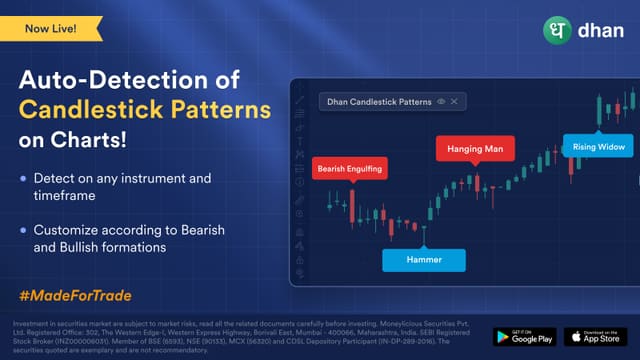
Candlestick Auto-Detection
Patterns detected on the chart for you.
The chart marks recognised candlestick patterns instead of leaving you to spot them. It removes a screen-reading task, though it is a prompt to look, not a signal to trade.
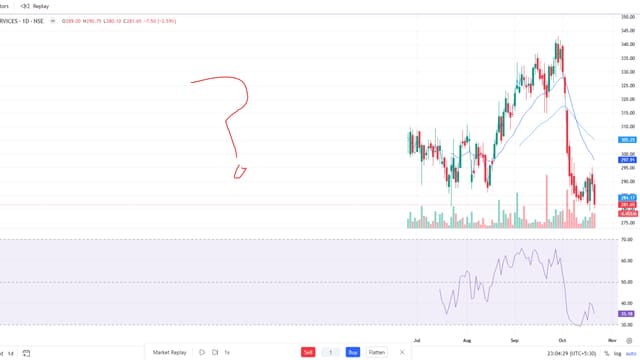
Market Replay
Replay a session tick by tick.
Rewind the market and step through a past session as it happened. The most reliable way to practise reading price action without risking money on a live market.
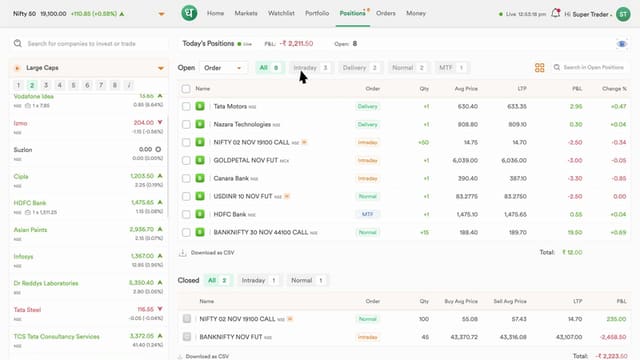
Position Filters
Filter and sort open positions fast.
Filters on the web order book so you can isolate the positions you care about instead of scrolling a growing list every session.
Ad-Free Charts
Charts with no advertising.
TradingView's own adverts removed for Dhan users. Small thing, but an advert in the middle of a chart is an advert in the middle of your decision.
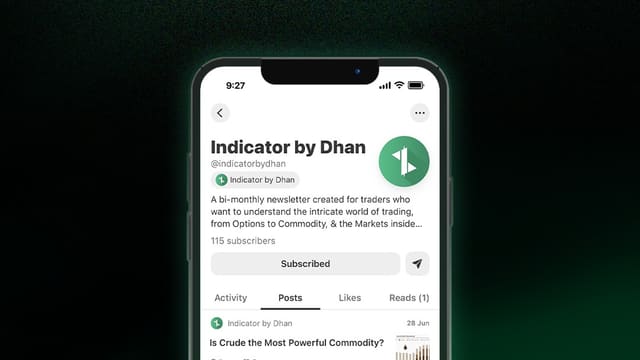
Indicator by Dhan
Dhan's own market newsletter.
A written market note from Dhan. Useful precisely because it is written by the broker rather than generated from a model.
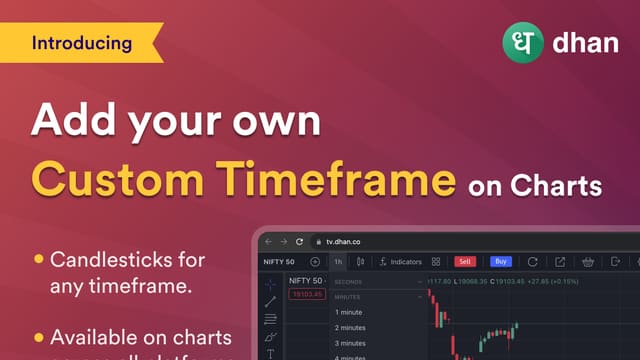
Custom Timeframes
Build the timeframe you actually trade.
Arbitrary timeframes on the TradingView charts, for traders whose setups do not fit the presets. An early industry-first from Dhan.
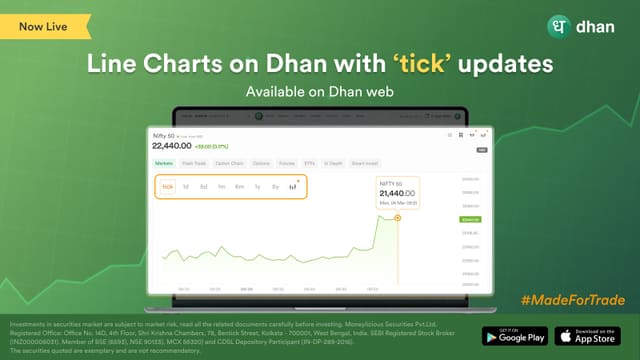
Mini Charts with Tick Updates
Small charts that update every tick.
Compact charts for a dashboard view, updating on every tick rather than on an interval. Made for scanning many instruments at once.
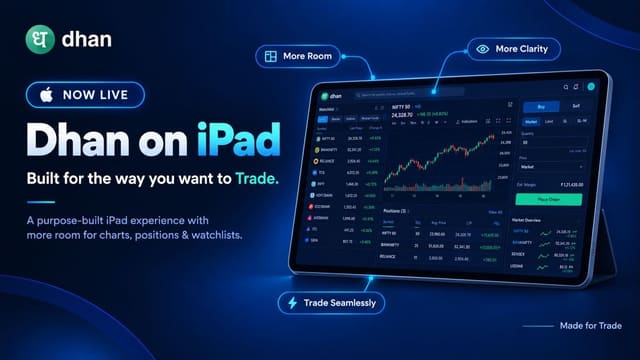
Dhan App on iPad
The full Dhan app on iPad.
A native iPad build rather than a stretched phone layout, for traders who want a larger screen without switching to the desktop web terminal.
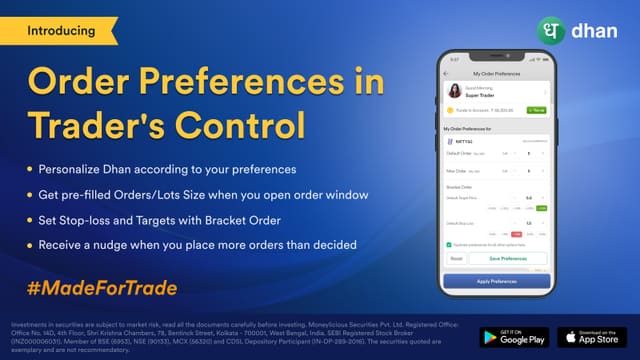
Pre-Set Order Size
Remember your usual order size.
Saves the quantity or lot count you normally trade so it is pre-filled each time. Removes a keystroke from the most repetitive part of the order ticket.
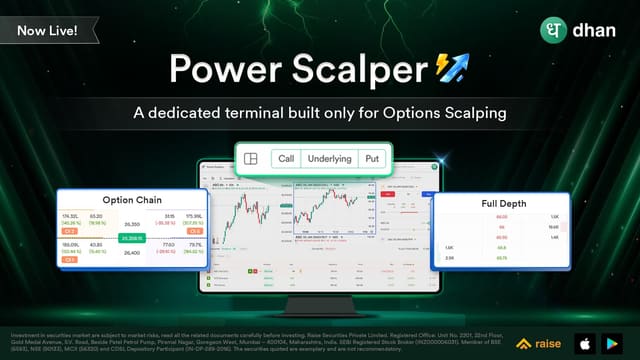
Power Scalper for Options
Scalper built for options traders.
A scalper tuned for F&O rather than cash, with the strikes and expiry handling that segment needs. Distinct from the DEXT T3 Power Scalper, which is the terminal version.

T+5 Orders
Hold short-term positions for five days.
A T+5 settlement order type in the CUSPA segment, so a position does not have to be squared on the same day. Added to a set of order types built for multi-day swings.
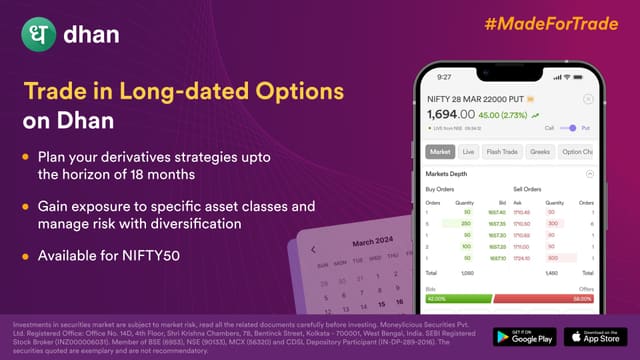
Long-Dated Options (LEAPS)
Trade long-dated index options.
Long-dated options on Dhan, requested by users who wanted expiry further out than the standard cycle. Long-dated index options are their own risk profile, not just a longer version of near-month.

Sensex Option Strategies
Pre-built strategies on BSE Sensex options.
Strategy templates for Sensex so you do not assemble a leg at a time from scratch. Same idea as the Nifty strategy templates, on the BSE index.
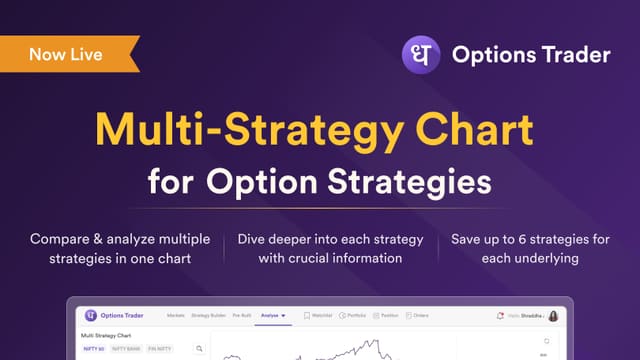
Multi-Strategy Chart
Plot several option strategies on one chart.
Compare what different structures would have paid off on the same expiry, on one chart. Seeing all of them together is the only way to tell which structure actually suits how you trade.
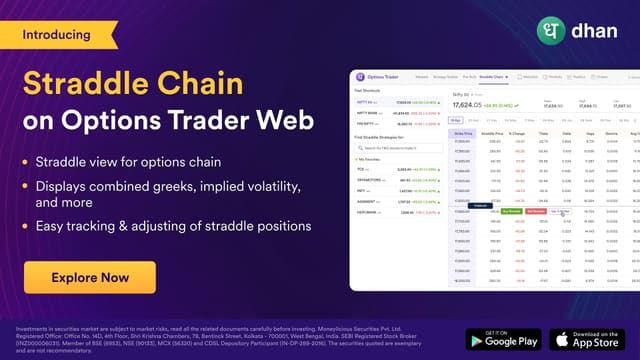
Straddle Chain
Walk a straddle through every strike.
Follow a straddle from one strike to the next instead of reconstructing it. Answers the question every straddle trader asks, which is where the position is now versus where you started.
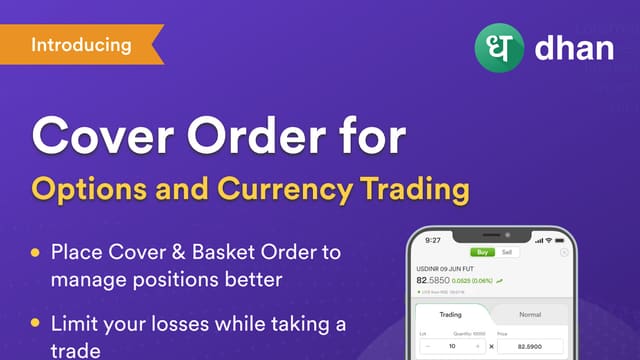
Cover Order
Buy and target in one instruction.
A cover order for currency futures and index options, entering and exiting together. Removes the risk of being in without the exit leg you meant to place.
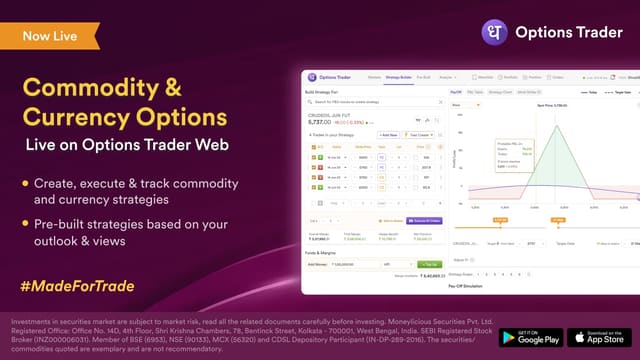
Strategy Builder (Commodity & Currency)
Multi-leg strategies on commodity and currency options.
The strategy builder extended past equity options. Multi-leg structures work the same way mechanically but the underlying behaves differently, so the payoff still needs checking per contract.
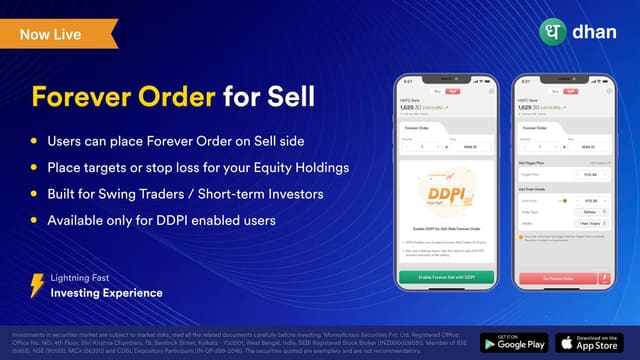
Sell-Side Forever Order
Place a persistent sell order once.
A standing sell order that stays working, so you set it once instead of re-entering it each session. Dhan was among the first Indian brokers to enable seamless selling via DDPI.
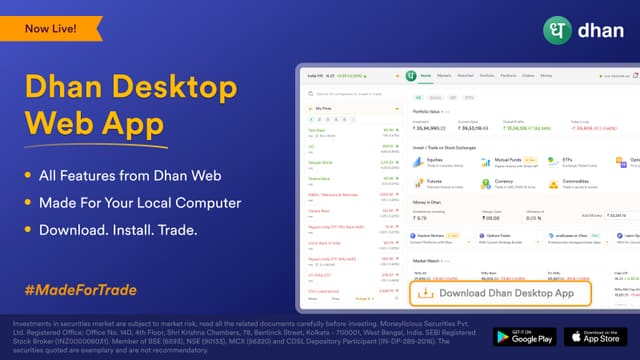
Dhan Desktop Web App
A desktop app for Dhan Web.
Traders on multi-screen desks were running the web terminal in a browser tab. The desktop build is a separate window that behaves like a normal application.
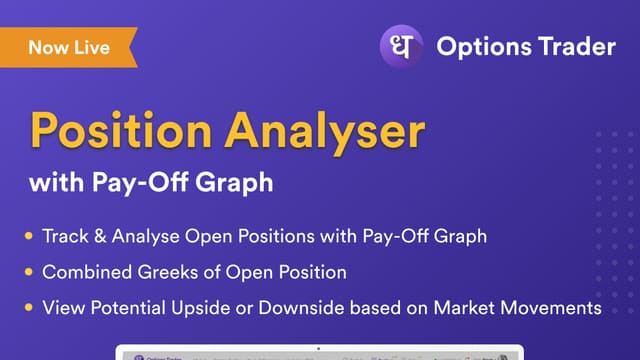
Pay-Off Graph on Positions
See the payoff of an open options position.
Pay-off graphs were either unavailable to retail or behind a paid product elsewhere. Here you can see the shape of the position you actually hold, not a hypothetical.
Convert MTF to Delivery
Turn a margin position into a delivery one.
Lets you carry a financed position to delivery instead of squaring it, which is the natural end state for a swing you intend to hold.
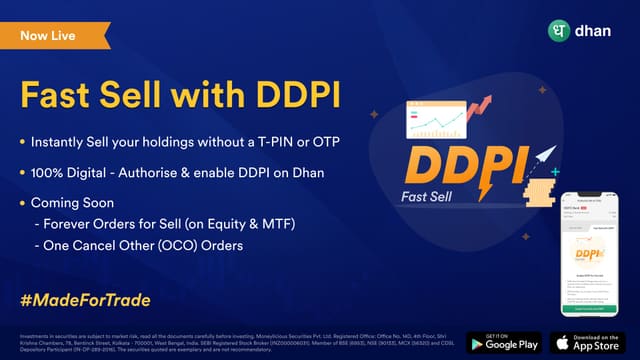
Fast Sell with DDPI
Sell without the paperwork detour.
DDPI lets you sell a holding you have not formally pledged, removing the step that used to stand between deciding to sell and selling.
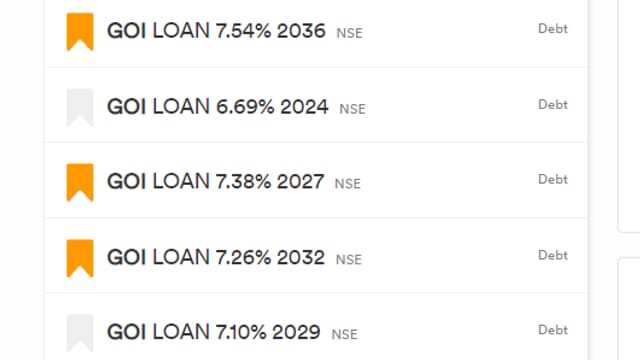
Pledge Government Securities
Use G-Secs as collateral.
Government securities join equities and mutual funds as things you can pledge for margin. Useful if you hold G-Secs and want them doing work rather than sitting.

Simplified Share Pledge
Pledge holdings in fewer steps.
Pledging is the most common way traders raise margin and the most tedious. This cut the process down, because a routine step that takes minutes is a step people avoid.
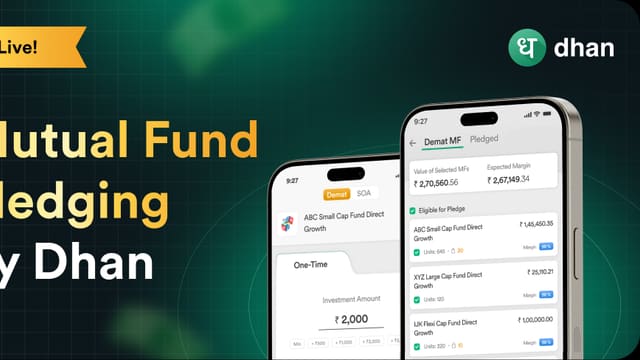
Mutual Fund Pledging
Pledge mutual fund units for margin.
Demat mutual fund units can be pledged alongside shares, so a portfolio that is mostly funds is not stuck sitting idle while a small holding funds the margin.
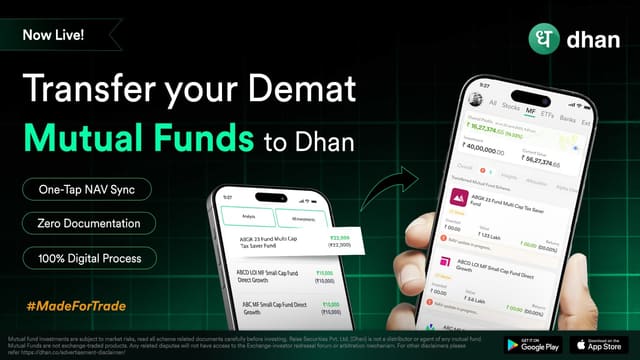
Transfer Demat Mutual Funds
Bring demat mutual funds onto Dhan.
Transfer existing demat mutual fund holdings in from another broker, rather than redeeming and repurchasing, which would cost you the tracking error and the exit load.

Live Share Transfer Assistance
A person to help move shares in.
Moving shares between brokers has traditionally meant physical paperwork and follow-up. This adds live assistance for the transfer itself.
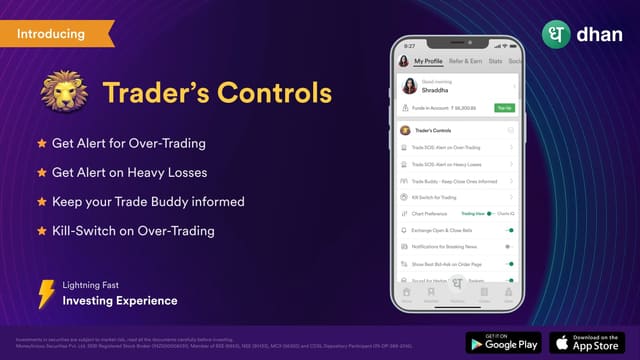
Trader Controls
Guardrails you set on yourself.
Limits on your own trading, set in advance, so discipline does not depend on how the day is going. One of the few features designed to stop you trading rather than to help you trade more.
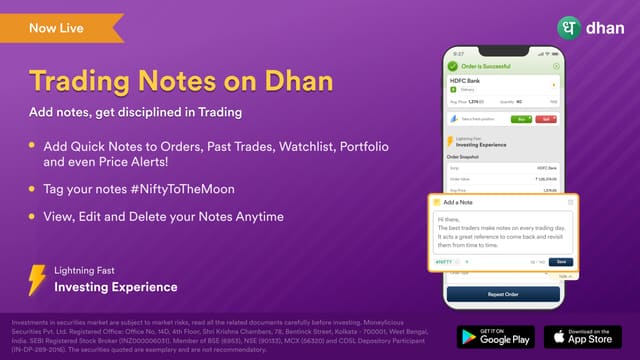
Trading Notes
Attach a note to any trade.
Write against an order and review later, which turns a trade into a reviewable record rather than something you remember selectively.
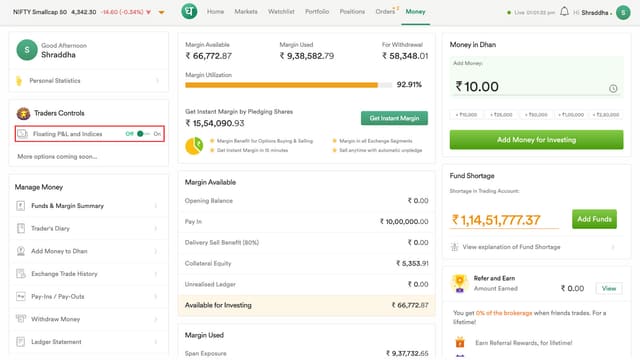
Floating P&L & Indices
P&L and index levels always on screen.
P&L plus NIFTY 50 and BANKNIFTY visible while you browse, so you are not switching away from the position to find out where you stand.

Verified P&L
P&L that matches your contract note.
A long-standing request: P&L calculated the same way the broker's contract note calculates it, rather than a figure that differs at the end of the day.
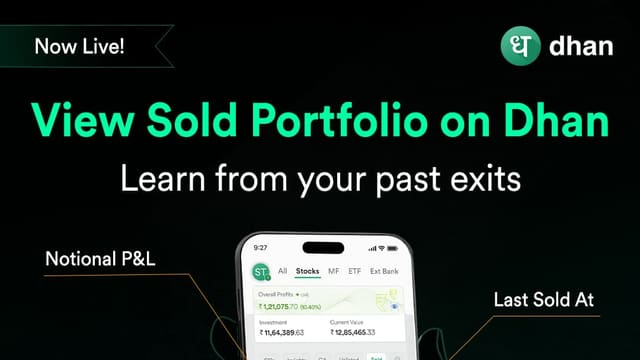
Sold Portfolio
See what you have sold, and why it went wrong.
Positions you have exited, kept together. Reviewing closed trades is the only way to find out whether the losses were the strategy or the execution.
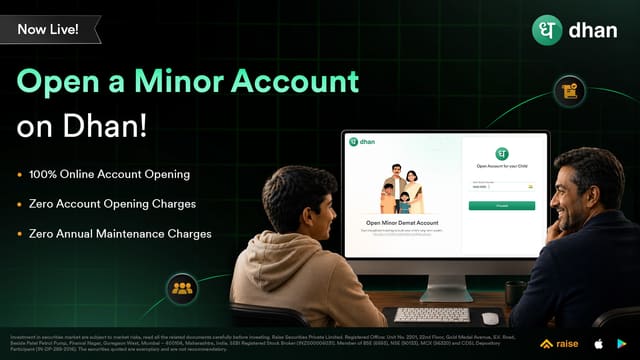
Demat for Minors
A demat account for a child, opened online.
A minor account that can be opened 100% online, so a child's account does not have to wait on paperwork. Dhan positions it around starting early rather than waiting.
Pause Your SIPs
Pause a stock SIP when you need to.
Pause and resume a stock SIP without cancelling and restarting it, which is what people used to do, losing the schedule in the process.
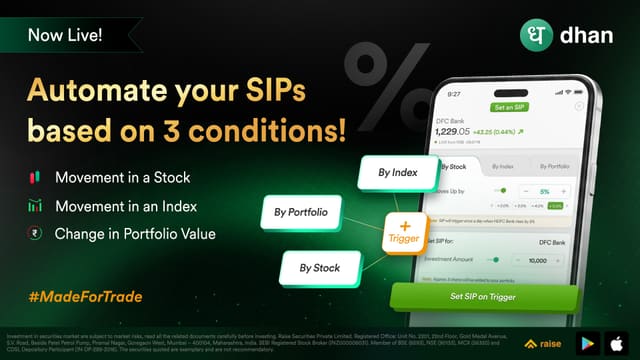
Conditional SIPs
SIPs that trigger on market conditions.
A SIP that fires when a condition is met rather than purely on a date, for investors who want to buy weakness systematically rather than blindly on schedule.

Step-Up SIPs
Raise your SIP amount as your income grows.
Step-up lets your contribution rise on a schedule rather than needing a manual increase each year. Most people increase a SIP and then stop.
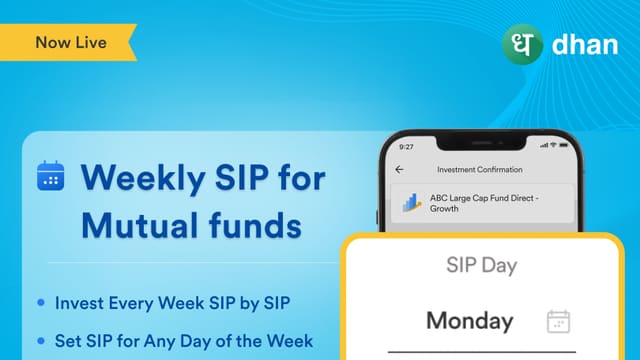
Weekly SIPs
Invest weekly, not just monthly.
Weekly SIPs for mutual funds, for investors whose income arrives monthly and who would rather spread purchases across the month.
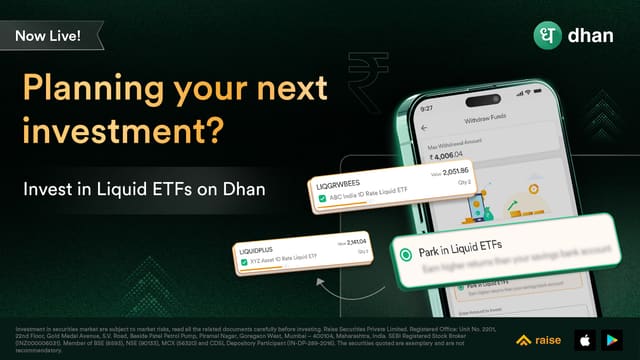
Liquid ETFs
Park idle cash without leaving the demat.
Idle funds sit in a savings account earning the savings rate. Liquid ETFs let the same money be invested while remaining available, which suits the gap between trades.
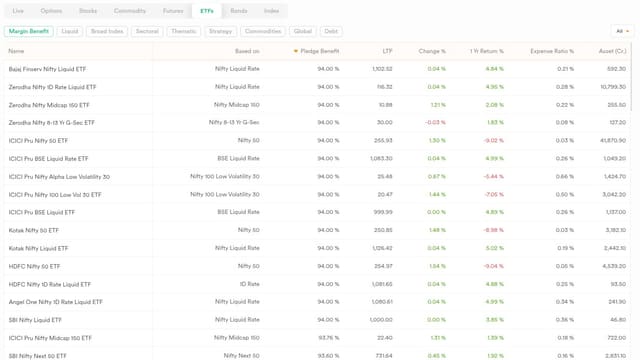
Rebuilt ETF Experience
ETFs handled properly end to end.
A rebuilt ETF journey covering discovery, charting and holding, for instruments that were previously functional but not first-class.
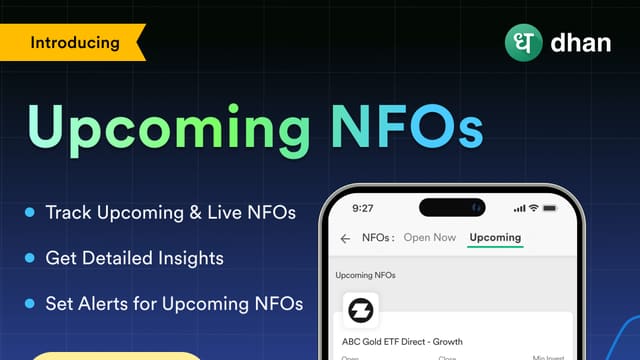
Discover Upcoming NFOs
See mutual fund NFO launches before they open.
New fund offers open and close fast, and missing the window means missing the entry point entirely. Surfacing them ahead of time helps.
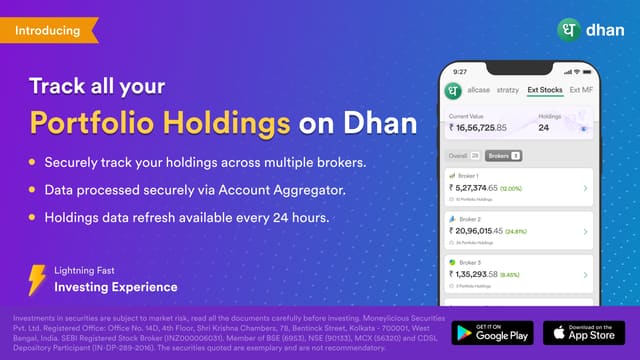
Holdings Across All Brokers
Your portfolio from every broker, in one place.
Investors usually hold across several brokers and had no consolidated view. This aggregates them so allocation is visible without opening four accounts.
Unlisted Shares in Holdings
Unlisted holdings shown at their carrying value.
Unlisted equity is easy to forget about and easy to over-value. Showing it in holdings at carrying value keeps it visible without pretending there is a price.
Dividends by Year
Dividend income broken down year on year.
Dividends are passive income and easy to lose track of as a number. Seeing them per year makes the actual yield of your portfolio visible.
MCX Gold Ten Futures
Gold futures in a 10-gram contract.
A smaller gold contract than the standard one, which lowers the ticket size for traders who want gold exposure without a large notional.

WealthBaskets
Basket investing alongside smallcases.
Themed baskets of stocks, ETFs or REITs built around an idea. Dhan is explicit that it provides tools rather than research advice, which is the right line for a broker to hold.
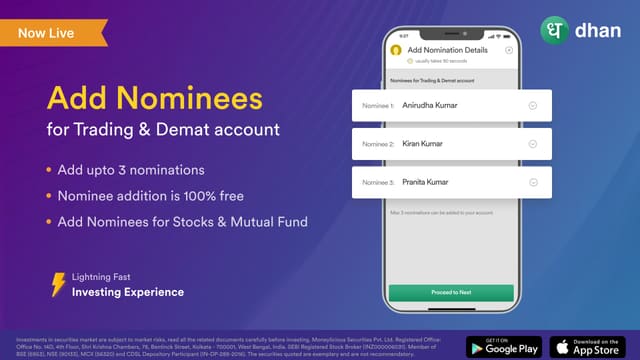
Nomination Facility
Add a nomination to your demat account.
Registering a nomination means holdings are dealt with without a slow legal process if something happens to you. Takes minutes and is regularly left undone.
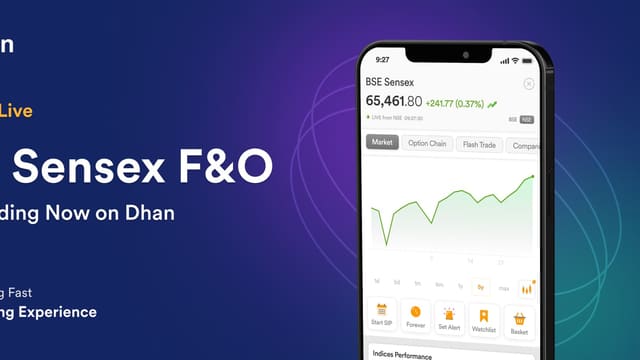
BSE F&O
BSE Sensex and Bankex derivatives.
Sensex and Bankex F&O across Dhan App, Web, Options Trader and the charts console, widening the derivative segment beyond NSE.
New F&O Stocks
New names in the F&O segment.
45 new stocks on NSE and 43 on BSE joined the derivatives segment, all tradable with the same order types and tools as everything else.
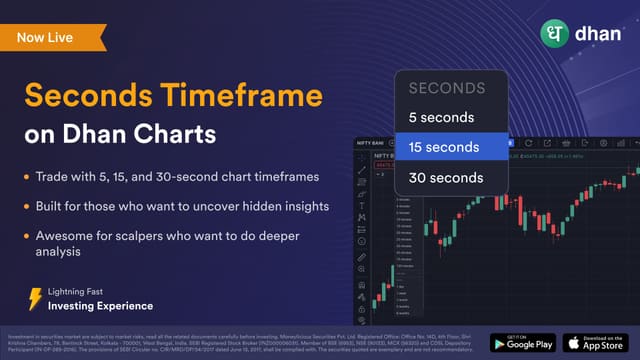
Seconds Timeframe
Chart down to the second, not just the minute.
An industry-first from Dhan: timeframes below one minute on the TradingView charts, so intraday traders can see the actual shape of a move rather than a smoothed bar. Everything after this built on top of it.
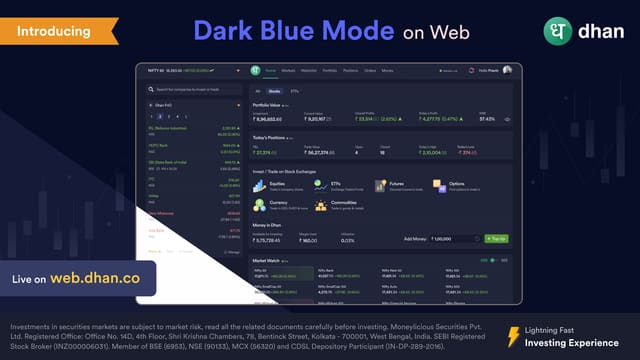
Dark Mode on Dhan Web
A dark theme for the web terminal.
Built for long sessions on a big screen, where a white interface is genuinely tiring on the eyes. Enableable from your profile rather than forced by the OS.
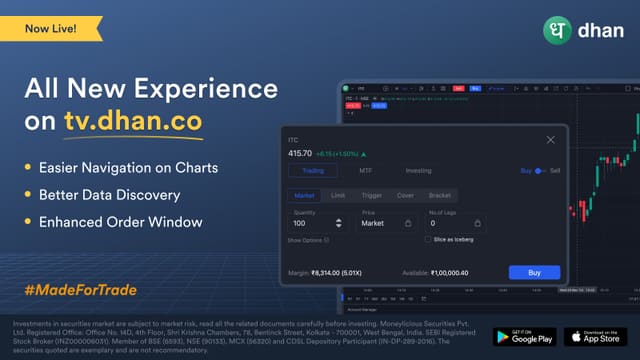
The Rebuilt Dhan Charts
tv.dhan.co rebuilt around how traders actually work.
A major rebuild of Dhan's dedicated charting platform rather than an incremental refresh: faster loading, more room for your layout, and deeper integration with every other Dhan surface so placing an order from a chart no longer feels like leaving it. Everything else in this group sits on top of this.
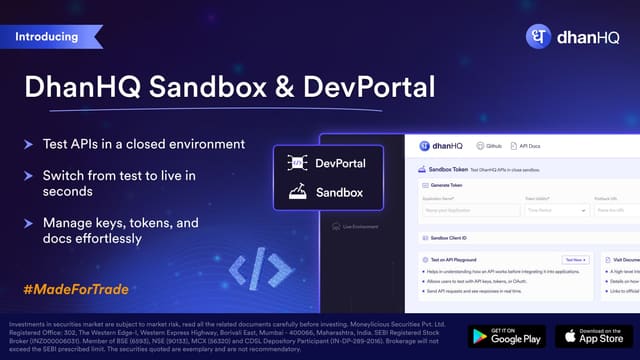
Sandbox & DevPortal
A test environment and docs portal for API traders.
A sandbox where you can build against Dhan's APIs without touching a live account, alongside a developer portal for testing and managing keys. The entry point for anyone building rather than trading.
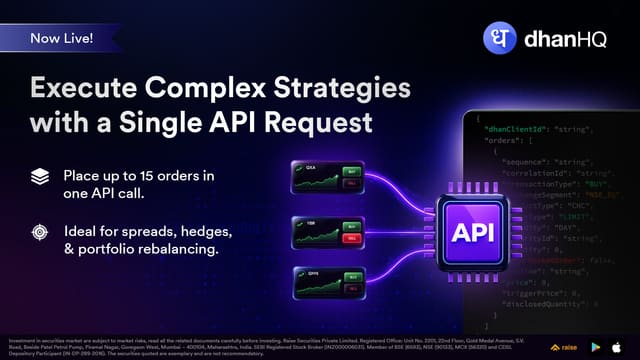
Multi-Order APIs
Place several orders in one API call.
For strategies that need to leg in or out together, batching the orders removes a round trip per leg and the partial-fill risk that comes with firing them separately.
DhanHQ V2 APIs
The current version of the trading and data APIs.
V2 brought rate limits that suit real strategies rather than casual queries, and a more consistent response shape across endpoints.

Live Market Feed API
Real-time market data over the API.
Websocket market feed for strategies that need data as it happens rather than on a poll, which is the difference between reacting to a move and chasing it.
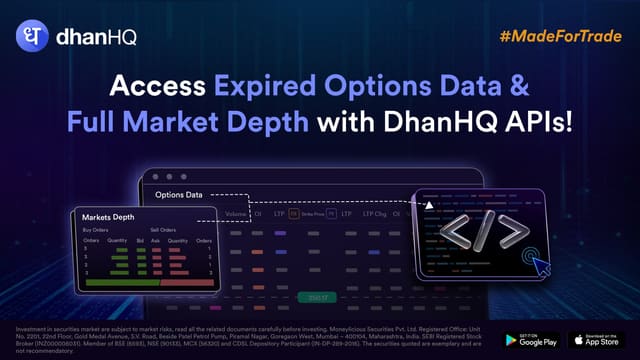
Options Data & Full Market Depth
Options chain data and twenty-level depth over the API.
The data an options strategy actually needs, without scraping the screen. Depth matters most in options, where the top of book is often misleadingly thin.
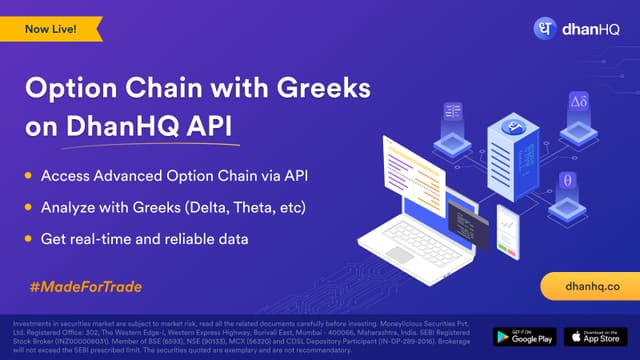
Option Chain with Greeks on API
Greeks on the chain, returned as data.
Implied volatility and the Greeks are usually computed by whoever consumes the chain. Getting them in the response saves recomputing them per candle.
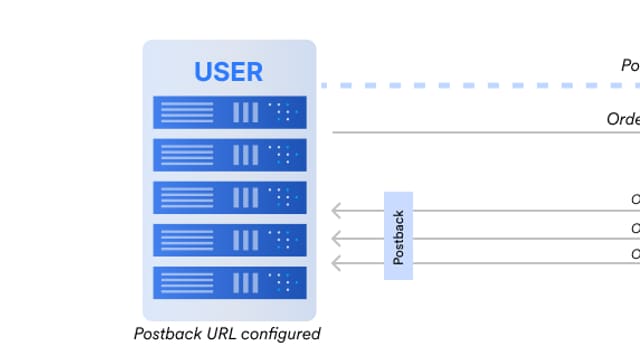
Order Postbacks
Have your order status pushed to you.
Postbacks send order updates to your endpoint as they happen, so a strategy learns the fill immediately instead of polling for it.
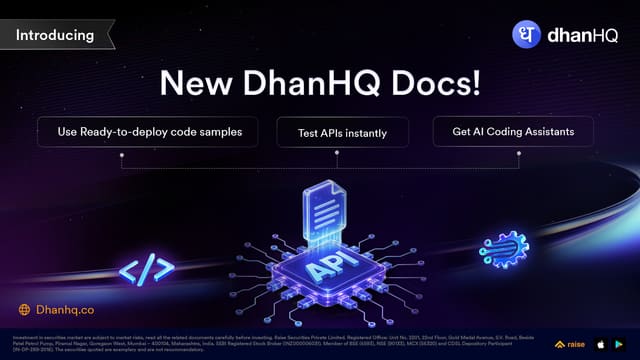
Interactive API Docs
Read and try the API docs in the browser.
Docs you can execute against rather than only read, which shortens the loop between reading an endpoint and seeing what it returns.
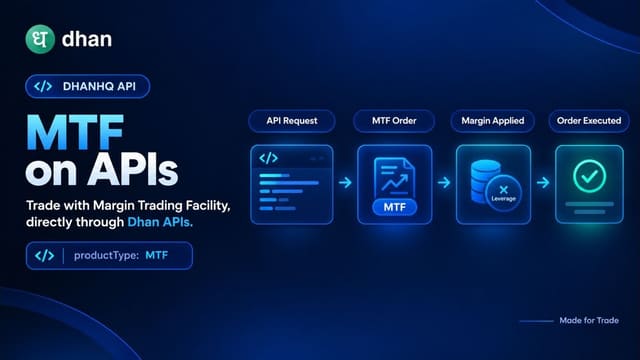
MTF over the APIs
Execute Margin Trading Facility orders via API.
Margin on the API, so a swing strategy gets the same leverage the app offers rather than being limited to what cash allows.
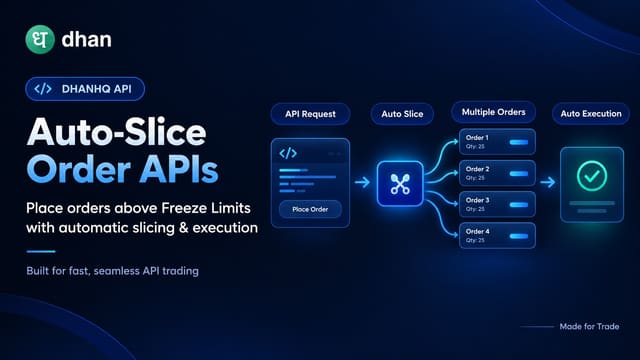
Auto-Slice Order API
Orders above the freeze limit, split automatically.
Placing a quantity above the exchange freeze limit needs slicing into multiple orders. Doing that in the API removes a failure mode that otherwise shows up as a rejected order.
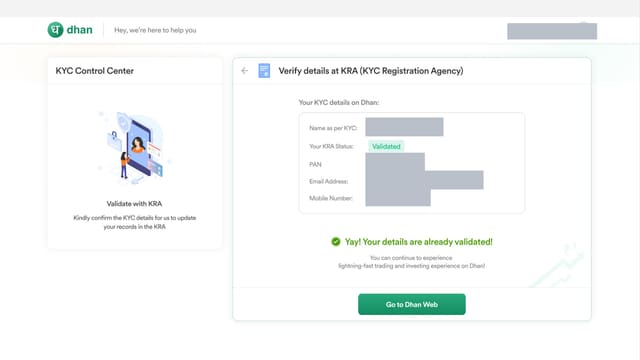
KYC Control Centre
All your KYC records and re-verification in one place.
KYC requirements change and a re-verification notice buried in an email is easy to miss until something is blocked. This surfaces them together.
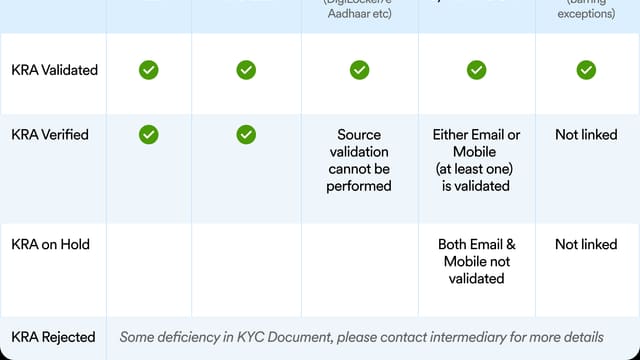
KYC Status on KRA
See your verification status directly.
Shows where your KYC stands with the KRA, so a pending status is visible before it becomes a blocked account.
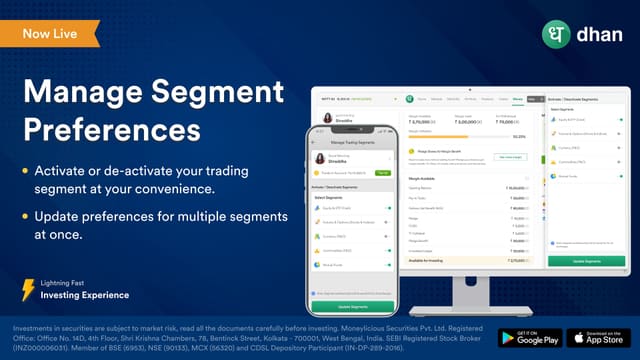
Segment Preferences
Choose which segments are enabled on your account.
Turn segments on and off yourself rather than calling the broker. Fewer things can be placed by mistake when you only keep what you actually trade.
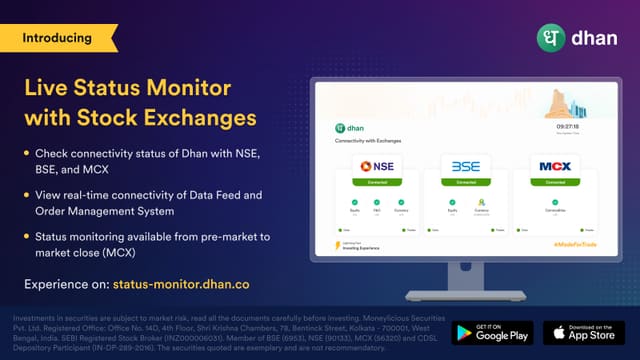
Status Monitor
Live connectivity to the exchanges.
Shows whether Dhan can currently reach each exchange, which turns an unexplained rejection into something you can see was a network problem.
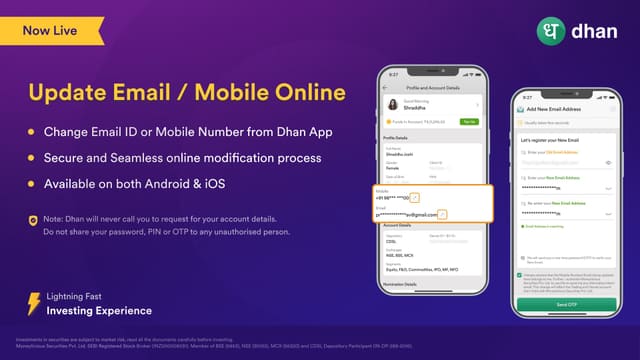
Update Email & Mobile
Change your email or phone yourself.
Contact details can be updated without paperwork. Kept here rather than in Settings because it is a regulated account field, not a preference.

F&O Risk Disclosure
The risk warning shown at every login.
A regulatory requirement to display F&O risks before you trade them. It is on the page because you will meet it every session, not because it is something you opted into.
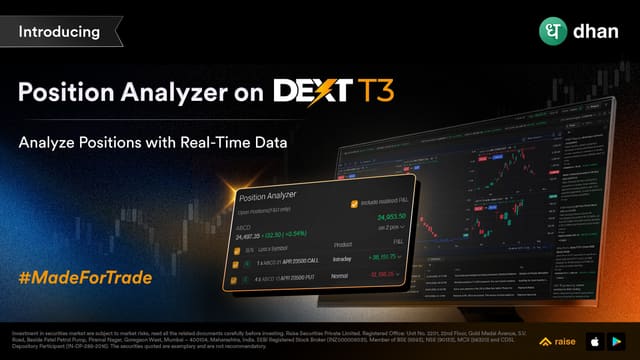
Position Analyzer
See total risk across every open position at once.
Built for multi-leg positions where tracking risk by hand stops working. On DEXT T3 it totals your exposure across strikes and underlyings, so you can see your overall breakeven and what a move in the underlying does to the whole book rather than one leg at a time.
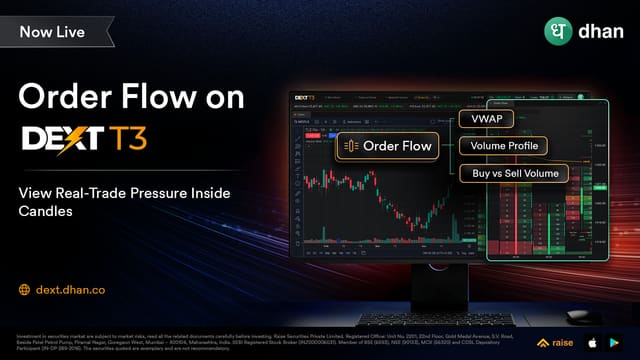
Order Flow Charts
See who was driving the move, not just where price went.
Price shows where the market went, never why. Order Flow on DEXT T3 adds the bid/ask split, delta and point of control so you can see whether buyers or sellers were behind a candle and how strong that conviction was. Dhan shipped this first on its own platform, and it later gained more indicators and overlays at the client's request.
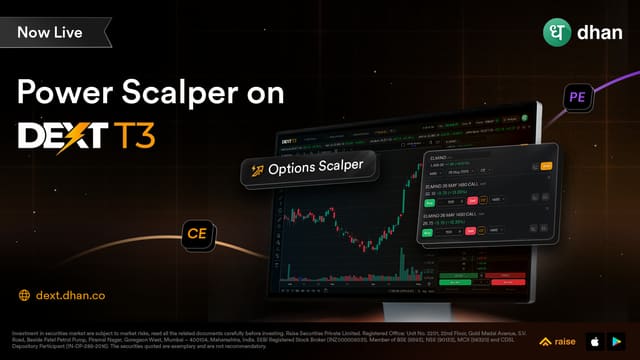
Power Scalper
One-tap scalping built into the terminal.
Dhan built the Scalper from the ground up in 2024 and it has since been widely copied. Power Scalper is the DEXT T3 version, designed so the interface stops being something you think about and becomes an extension of how you already trade. Placing a quick scalp no longer means navigating away from your setup.
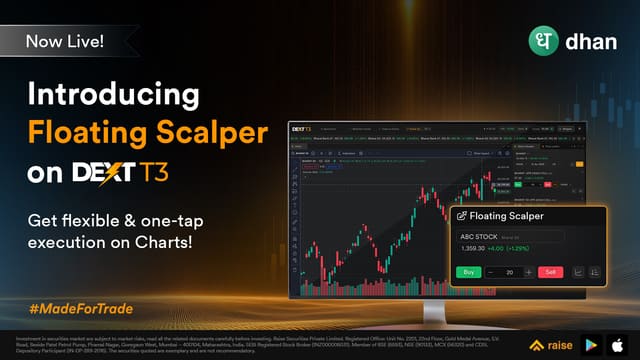
Floating Scalper
The Scalper without giving up a layout slot.
Built after traders asked for the Scalper to stop eating into the workspace they had built, so on DEXT T3 it floats over your layout instead of occupying a slot in it. Added because scalping is the most time-sensitive way to trade, and that speed used to be lost the moment the tools got in the way.
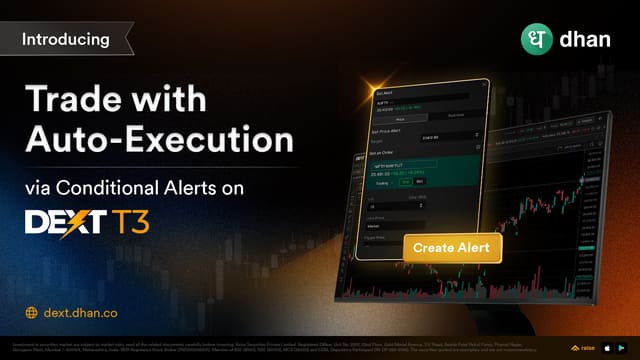
Conditional Alerts
Set the condition; the terminal executes when it is met.
An alert on DEXT T3 that acts rather than just notifies. You define the condition, and when it is satisfied your trade goes through, which removes the stretch of staring at a ticker waiting for a number to change.
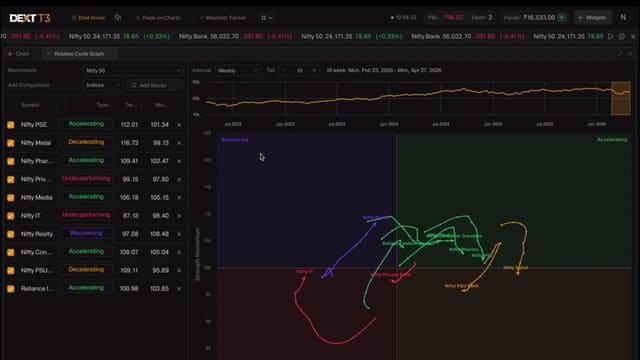
Relative Cycle Graph
Catch sector and stock rotation before the chart confirms it.
Built around a problem power traders hit constantly with sector and stock rotation: by the time a move is obvious enough on a price chart to act on, the early part has already gone. The Relative Cycle Graph on DEXT T3 shows relative strength between instruments so the rotation is visible before it is obvious.
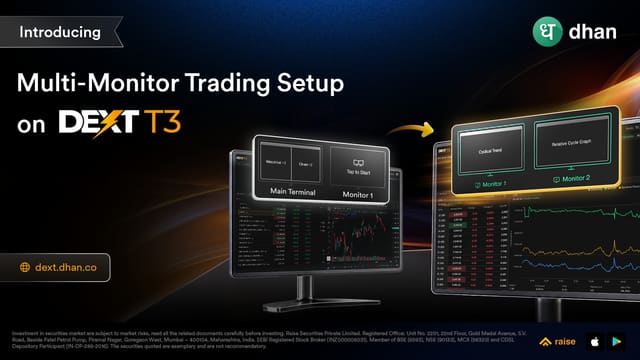
Multi-Monitor Setup
Widgets placed correctly across every screen you use.
For traders running DEXT T3 across more than one monitor. Previously every popped-out widget landed in the same default spot on the primary screen, so each one had to be dragged into place again every session and every restart. DEXT T3 now knows about your extra displays.
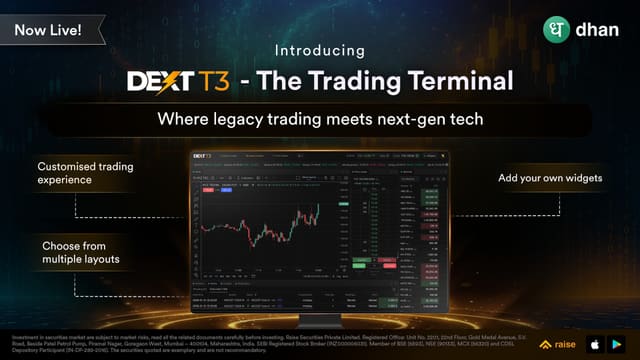
DEXT T3 Terminal
The desktop terminal, built for traders who want the workspace.
Dhan's desktop terminal, launched March 2026 and built in-house on Dhan's own trading engine. It restores the local-terminal workflow that browser-based platforms gave up: custom layouts, multi-monitor support and keyboard-driven execution. Every card in this group is exclusive to it and does not appear in the app or on Dhan Web.